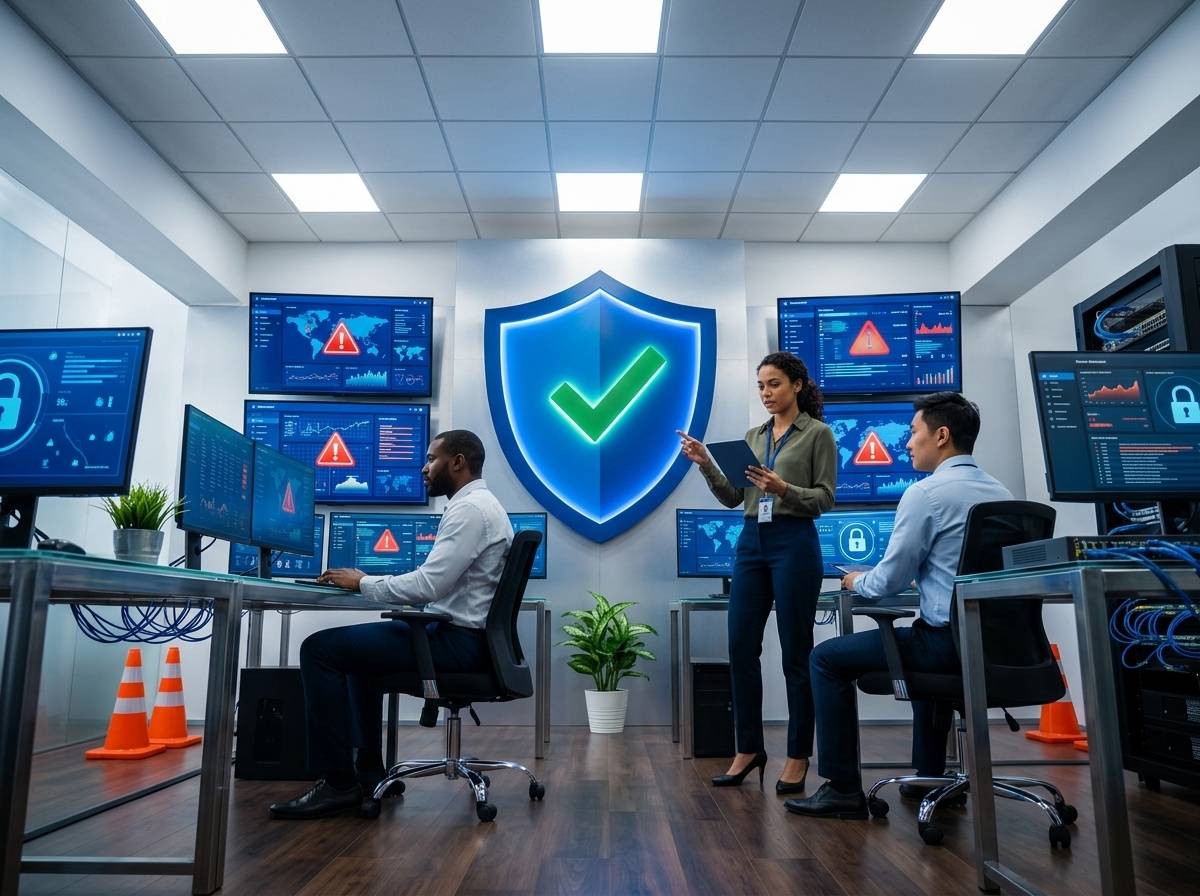
GED exam security is more critical than ever. Testing centers face rising threats that put exam integrity at risk and disrupt operations. Your facility needs a clear plan covering secure testing networks, endpoint protection, and identity management. This playbook breaks down practical steps to safeguard your GED exams with managed IT and cybersecurity strategies designed for education environments. For more details on GED exams, you can visit GED Testing Online.
Strengthening GED Exam Security
Testing centers require solid defenses to maintain GED exam integrity. Let’s dive into the key cybersecurity measures that protect your facility from potential threats.
Essential Cybersecurity Measures
Keeping your testing center secure starts with vital cybersecurity practices. First, ensure all devices and networks are protected. Regular updates and patches are necessary to close any security gaps. Next, invest in a strong firewall to guard against external attacks. Firewalls act as a barrier, preventing unauthorized access.
Moreover, consider using antivirus software to detect and neutralize malware threats. These programs scan files and systems, keeping your data safe. Remember, strong passwords are critical. Encourage users to create complex passwords and change them regularly. This simple step can prevent unauthorized access and protect sensitive information.
Managed IT for Education
Educational institutions benefit greatly from managed IT services. These services provide continuous monitoring and support, ensuring that systems run smoothly. With managed IT, you can focus on your core mission—education, not technology troubles. Managed IT services help keep your infrastructure updated and secure. They offer valuable insights into potential vulnerabilities and recommend solutions to fortify your systems. By partnering with experts, you gain peace of mind, knowing that your IT environment is in capable hands.
For more insight into the advantages of managed IT services, check out Hiring on Indeed vs. Partnering with an MSP: How SMBs Should Build IT and Cybersecurity Capabilities.
Remote Proctoring Security
Remote proctoring is a game-changer for GED exams, but it comes with unique security challenges. To secure remote exams, implement strict identity verification processes. This ensures that the person taking the test is who they claim to be. Use secure video conferencing tools to monitor exams in real-time. These tools offer features like screen sharing and recording, helping maintain exam integrity.
Educate your staff on common security threats, such as phishing attacks, to prevent unauthorized access. Training sessions can prepare your team to recognize and respond to potential risks. Remember, vigilance is key to maintaining a secure remote testing environment.
Building Secure Testing Networks

Creating a secure network for your testing center is crucial. Let’s explore how to structure your network to protect sensitive information.
Wi-Fi Segmentation for Labs
Segregating your Wi-Fi network is an effective security measure. By creating separate networks for different purposes, you limit access to sensitive data. For instance, use one network for administrative tasks and another for student exams. This separation reduces the risk of data breaches, ensuring that only authorized users can access critical systems.
Invest in secure routers and access points to further protect your network. Regularly update device firmware to patch vulnerabilities. Strong encryption protocols, like WPA3, are essential for safeguarding wireless communications. These steps help ensure that your network remains secure and resilient against attacks.
Endpoint Protection for Testing Stations
Protecting individual devices is just as important as securing your network. Endpoint protection tools safeguard computers from malware and other threats. Implement antivirus software on all testing stations to detect and neutralize potential risks. Regularly update these programs to ensure they remain effective against the latest threats.
Additionally, configure testing stations with limited user permissions. This restricts what users can do on these devices, minimizing the risk of accidental or intentional damage. Regular audits of device configurations can help identify and rectify any security gaps.
Identity and Access Management
Controlling who can access your systems is vital. Implement identity and access management solutions to enforce strict access controls. Multi-factor authentication (MFA) adds an extra layer of security, verifying user identities before granting access. This reduces the risk of unauthorized users gaining entry to your systems.
Create role-based access controls to ensure users only access necessary resources. This minimizes exposure to sensitive data, reducing the chances of a data breach. Regularly review access logs and permissions to identify any potential issues and adjust as needed.
Incident Response and Data Protection

Even with strong defenses, incidents can occur. Being prepared for them is essential to minimize impact and recover quickly.
24/7 SOC Monitoring
Continuous monitoring is a cornerstone of effective incident response. A Security Operations Center (SOC) offers real-time oversight of your IT environment. This proactive approach lets you detect and respond to threats swiftly. With 24/7 monitoring, you can address incidents as they arise, preventing them from escalating into major breaches.
SOC teams use advanced tools and strategies to identify potential vulnerabilities. They provide timely alerts and actionable insights, helping you stay ahead of threats. By investing in SOC services, you ensure that your systems are always under watchful eyes, ready to respond to any challenges.
Data Protection and Backup
Protecting your data is non-negotiable. Implement robust backup solutions to prevent data loss. Regular backups ensure that you can restore operations quickly in the event of a breach or failure. Store backups both on-site and off-site for added security. This redundancy ensures that you have access to backups even if one location is compromised.
Encrypt all sensitive data, both in transit and at rest. Encryption scrambles the data, making it unreadable to unauthorized users. This added layer of security protects against potential breaches and data theft.
Phishing Awareness Training
Phishing attacks are common, but training can help prevent them. Educate your staff on recognizing phishing attempts, such as suspicious emails or links. Regular training sessions keep security top of mind and equip your team to handle potential threats effectively.
Simulated phishing exercises are an excellent way to test your team’s readiness. These exercises mimic real-world attacks, giving your staff practical experience in identifying and responding to threats. The more prepared your team is, the better they can protect your testing center from phishing attacks.
In summary, securing GED exams involves a blend of cybersecurity measures, managed IT services, and proactive incident response strategies. By implementing these steps, you can protect your testing center from threats and ensure a secure, reliable testing environment.